Last Updated: November 20, 2026
Quick Summary
To verify vacation rental photos, run a reverse image search on the main cover photo and other listing images to see if they appear under a different property. Then check the address on a map and compare the exterior with street-level imagery. Finally, look for mismatched furniture, reflections, or missing features, and ask the host for recent photos.
- Run reverse image searches on the cover photo using at least two engines, such as Google Lens and TinEye.
- A clean reverse search result is neutral, since many hosts upload original photos that appear nowhere else.
- Confirm the roof lines, pool shape and lot layout on satellite view match the exterior photos.
- Compare furniture, lighting and seasonal details across the whole photo set, not one photo at a time.
- Ask the host when each photo was taken and request a recent photo or short video walkthrough.
Table of Contents
- Why Verifying Vacation Rental Photos Matters Before You Book
- Step 1: Run a Reverse Image Search on Every Listing Photo
- Step 2: Confirm the Address, Map Location and Surroundings
- How to Spot Fake Vacation Rental Photos and Visual Red Flags
- Questions to Ask a Vacation Rental Host About Their Photos
- Vacation Rental Photo Verification Checklist
- Booking Your Cottage With Confidence: Your Next Step
- Frequently Asked Questions
Why Verifying Vacation Rental Photos Matters Before You Book
Vacation rental photos are the first thing most travelers judge, and they are not always an honest picture. Before you pay a deposit on a beach cottage, it pays to check that the images match the place you will actually sleep in. Cozy Canaveral Cottages wants guests to arrive knowing exactly what they are getting.
Photo problems come in a few common forms. Some listings reuse pictures from a different property. Others show a view that is hard to see from the actual rooms.
This guide walks through a practical process. It covers reverse image searches, location checks, red flags to watch for, questions to ask the host, and a short checklist you can use on any listing.
- Photos can be reused, outdated, or edited
- A few minutes of checking can prevent a bad arrival
- Verification works for any rental platform
Step 1: Run a Reverse Image Search on Every Listing Photo
A reverse image search shows you where else an image has appeared online. If the same photo turns up under a different property name, a different address, or a stock-photo catalog, that is a warning sign worth chasing. The goal is not to prove a photo is fake, it is to gather evidence you can weigh against the rest of the listing.
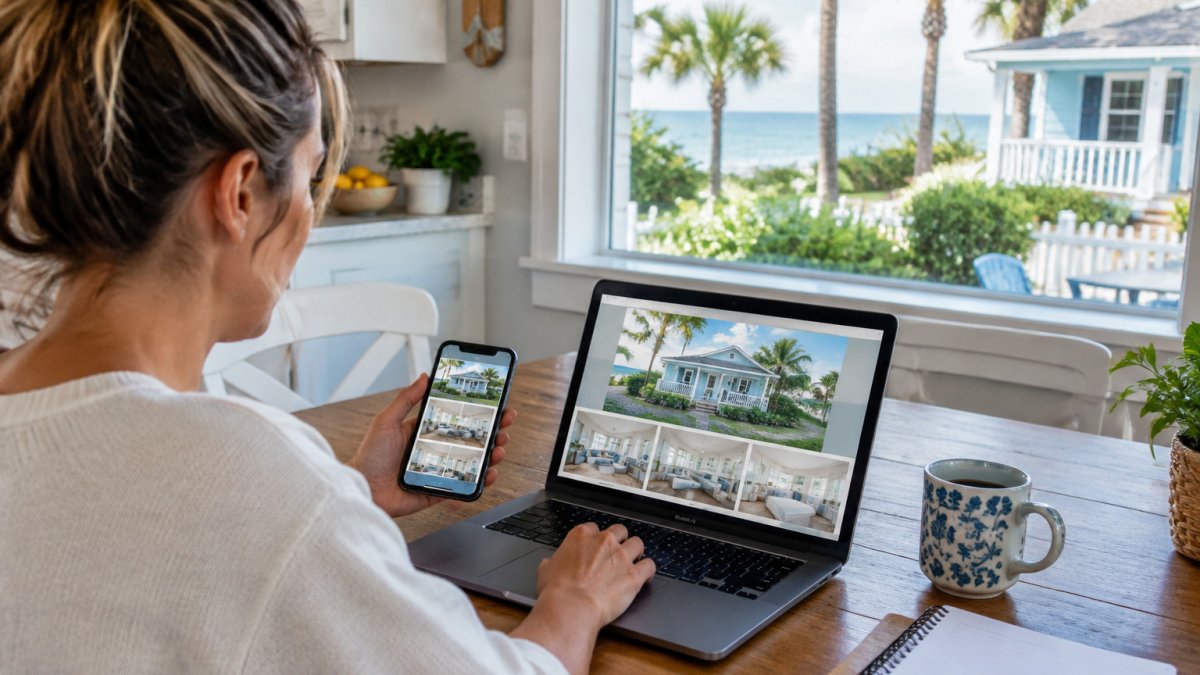
Run the searches in a fixed order
Work through the photos in the same sequence every time so you do not skip the ones most likely to be reused:
- Main cover photo. This is the image the host most wants you to see and the one most often borrowed from another property or a photographer's portfolio.
- Exterior and pool photos. These are easy to swap between similar-looking properties and hard to fake consistently across a set.
- Bedroom and bathroom photos. Furniture, bedding, and tile patterns are the details that break when images come from different units.
- View and balcony photos. These are the most commonly misrepresented because a sightline is hard to confirm without a map check.
Use more than one engine
Google Lens and the image search built into Bing are the two most common starting points. TinEye is useful because it indexes images by how they have been published and can surface older copies that a general web search misses. Run the cover photo through at least two engines before you move on, each one indexes a different slice of the web, and a hit on one does not guarantee a hit on the other.
Save each listing photo to your device before uploading it. Some platforms strip or rewrite image URLs, and a direct upload of the saved file gives you a cleaner match than pasting a link.
Read the results, do not just count them
A reverse search returns three broad outcomes, and each one means something different:
- No matches. This is neutral. Many hosts upload original photos that never appear anywhere else, so a clean result is not proof of authenticity. Treat it as one data point, not a verdict.
- Matches on the same property. The image appears on the host's own site, a repeat listing, or a prior guest's review. This is usually fine and can even confirm the property exists.
- Matches on a different property, a stock-photo site, or a real-estate listing. This is the outcome that deserves a pause. A stock-photo match means the image is decorative, not documentary. A match to a different address means the photo may belong to another unit.
Watch out: a single match is not proof of fraud. Hosts legitimately reuse their own photos across platforms, and a property that was recently sold may still appear under its old real-estate listing. Look for a pattern across several photos before you draw a conclusion.
Keep a record as you go
Screenshot the search results page for any photo that returns a suspicious match, and note the date. If you later need to report the listing or ask the platform for help, a dated screenshot of where the image appeared elsewhere is far more useful than a memory of having checked. Keep the screenshots in one folder so the evidence stays together.
Know the limits before you rely on it
Reverse image search cannot see inside a photo. It will not tell you whether an image was edited, whether the furniture is current, or whether the view is accurate. It also cannot find images that were never published elsewhere, which is the case for most original host photography. Use it as the first filter, not the last word, and move on to the map and location checks with whatever it found.
Step 2: Confirm the Address, Map Location and Surroundings
Next, check that the property sits where the listing says it does.
3 Free Tools to Spot a Fake Vacation Rental Listing
Offduty Orlando_unfiltered
Street-level imagery is also useful. Google Street View can show the front of the building and the view from the road.
Look at the surroundings too. Check how far the property is from the beach, shops and attractions.
The table below summarises the key checks from this section so you can scan them quickly.
| Check | Where to look | What to confirm |
|---|---|---|
| Address | Map app, satellite view | Roof lines, pool shape and lot layout match the photos |
| Exterior | Google Street View | Front of the building matches the listing |
| Views | Sightline from the road | Claimed ocean view is realistic from that spot |
| Location | Map distance | Beach, shops and attractions are as close as claimed |
How to Spot Fake Vacation Rental Photos and Visual Red Flags
Some problems are visible once you know where to look, but the skill is not spotting oddities, it is telling an oddity that matters from one that does not. A single mismatched lamp is noise. The same sofa appearing in two different units is a signal. Read the flags below as a set of questions to ask about the photos, not a checklist of automatic disqualifiers.
Check consistency across the photo set
The strongest evidence comes from comparing photos to each other, not judging them one at a time:
- Furniture and finishes. Does the same sofa, bed frame, or kitchen counter appear in every room photo? A unit photographed in one session will show the same materials throughout. A set assembled from different properties often will not.
- Lighting and season. Do the trees, pool water, and shadows match across exterior shots? Bare trees in one photo and full foliage in another suggest the images were taken months apart.
- Reflections. Look in mirrors, windows, and glossy appliances. A reflection that shows a different room layout, a different view, or a photographer's light stand is a concrete inconsistency.
Separate editing from misrepresentation
Many hosts brighten photos, correct color, or remove clutter, and most platforms allow it. The line to watch is whether an edit changes what you are buying. Sky replacement, added furniture, or a widened room are material changes. A saturation boost is not. If a photo looks retouched, ask the host for an unedited version of that specific room rather than assuming the worst.
Treat AI detection as a hint, not a test
AI-image detectors exist, but they are not reliable enough to settle a question. They produce false positives on heavily edited real photos and false negatives on well-generated images.
Watch out: a photo that looks too perfect is not automatically fake. Professional real-estate photography, staging, and wide-angle lenses routinely produce images that look better than the room does in person. The question to ask is whether the photo misstates size, layout, or location, not whether it is flattering.
Check the details that affect your stay
Red flags are not only about fraud. Photos can be accurate and still leave out what you need to know. Look specifically for:
- Stairs and entries. Count the steps to the door and to any bedroom. A listing that shows a charming exterior but no entry photo may be hiding a steep staircase.
- Bathroom layout. Confirm whether the bathroom is en suite or down a hall, and whether the tub or shower is visible at all.
- Accessibility features. If a listing claims to be accessible, look for photos that actually show a ramp, a roll-in shower, or a wide doorway. A claim without a photo is a question to ask.
Compare photos against the written listing
Read the description with the photos open beside it. Every amenity named in the text, a fireplace, a washer and dryer, a fenced yard, should appear in at least one photo. When a described feature has no corresponding image, ask the host for one before you book. The gap between what is written and what is shown is often where the real problem sits.
When to stop and escalate
If two or more of the consistency checks fail, or if a host refuses to send a current photo of a room you have asked about, stop treating the listing as a normal booking. Ask for a live video walkthrough, keep your messages on the platform, and do not send payment outside it. Most platforms provide a way to report a listing that appears misleading, and a dated record of what you asked and what you were told is what makes that report useful.
Questions to Ask a Vacation Rental Host About Their Photos
A good host will answer photo questions clearly. Send a short message before you book and ask:
- When was each photo taken?
- Can you send a recent photo of the bedroom or kitchen in its current state?
- Has the property been renovated since the photos were taken?
Pay attention to how quickly and clearly the host responds. Vague answers or refusals to send new photos are a reason to slow down.
Vacation Rental Photo Verification Checklist
Use this checklist before you pay:
-
Reverse image search run on the main photo
-
Other key photos checked for reuse
-
Address confirmed on a map and in satellite view
-
Booking made through a platform that offers payment protection
If you cannot verify a listing after these checks, do not rush. Ask more questions, request a video call, or choose a different rental. Most platforms also let you report listings that appear misleading, and booking through a platform with payment protection gives you a way to get help if the property does not match.
Booking Your Cottage With Confidence: Your Next Step
Checking photos takes a little effort, but it helps you book with confidence. If you have questions about our three cottages, our pool area or the beachside location, contact us directly.
Frequently Asked Questions
How do I check if vacation rental photos are real?
Start with a reverse image search. Save each listing photo and run it through Google Lens or TinEye to see whether the same image appears on other websites under a different property name or location. Then compare the exterior and interior shots with the listing's address on a satellite map. Photos that appear on unrelated sites, or that show a view that does not match the map, call for direct questions to the host before you pay. Keep screenshots of anything suspicious.
How do I use reverse image search to verify a rental listing?
Right-click or long-press a listing photo and save it. Upload it to Google Lens, TinEye or Bing Visual Search. Review the results for matching images on other sites, especially older listings or pages for a different property. A match does not prove fraud on its own, since hosts sometimes reuse photos legitimately, but an identical image listed under another name or city is a strong reason to ask for fresh photos and written confirmation of the property address.
What should I ask a host if the listing photos seem suspicious?
Ask for a short video walkthrough taken on the day of your request, with the host's phone showing the current date. Request a photo of the exterior with the street address or house number visible, and ask when the interior was last renovated. Confirm the exact property address before booking. Ask whether any photos were edited or staged. A responsive host who sends new, specific images is usually a good sign; vague answers or refusal are reasons to reconsider.